Quick start (clinicians)
This is the fastest path to using CareFlow Kids effectively in daily practice.
The core workflow
%%{init: {'flowchart': {'nodeSpacing': 60, 'rankSpacing': 70}}}%%
flowchart TB
  L[Select or create clinician]
  P[Select patient]
  V[Create visit]
  D[Visit creation]
  R[Generate report]
  E[Export .pemr]
  C[Open in CareView Family]
  U[Export updated .pemr]
  I[Import into CareFlow Kids]

  L --> P --> V --> D --> R --> E
  E --> C --> U --> I
The .pemr loop (at a glance)
flowchart LR
  V[Visit] --> R[Report]
  R --> E[Export .pemr]
  E --> F[Family]
  F --> U[Updated .pemr]
  U --> I[Import]
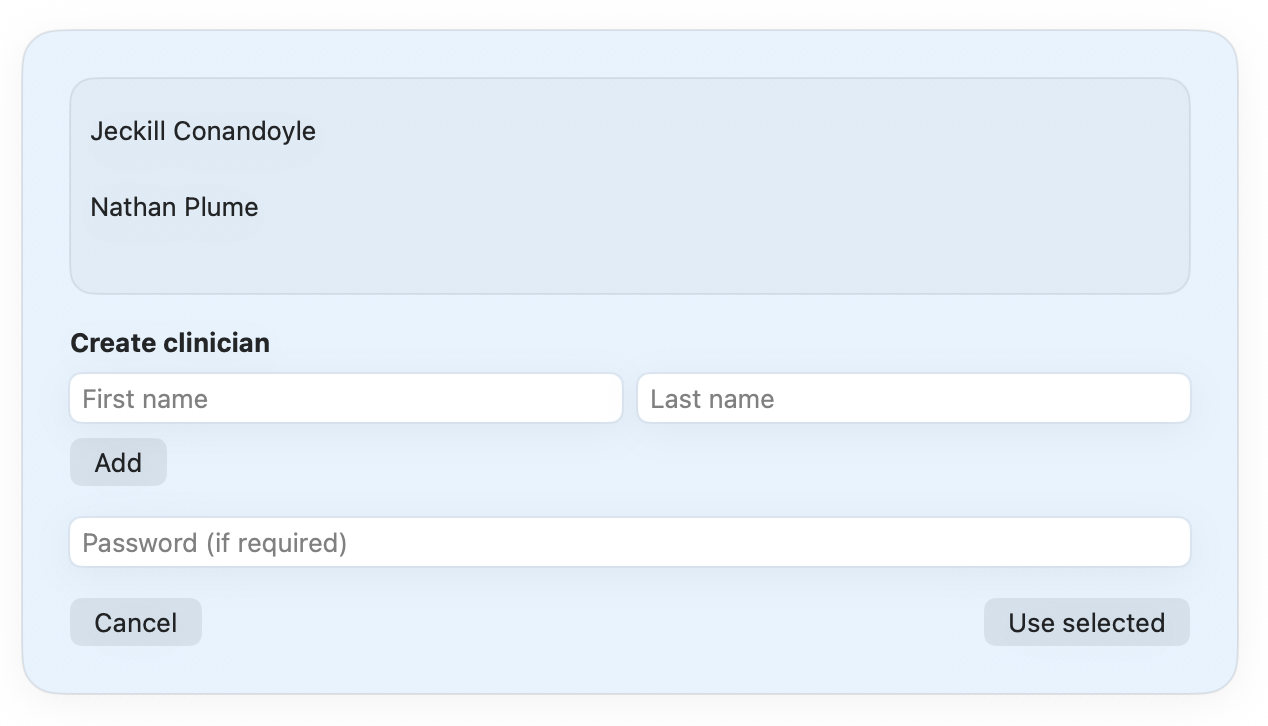
0) Select or create the clinician
When CareFlow Kids opens, the first screen is the clinician selection / login screen.
From there you can:
- select an existing clinician profile
- create a new clinician if needed
- enter a password if required
Once the clinician is selected, the main application opens.
More detailed clinician settings can later be adjusted in the Physician profile section.
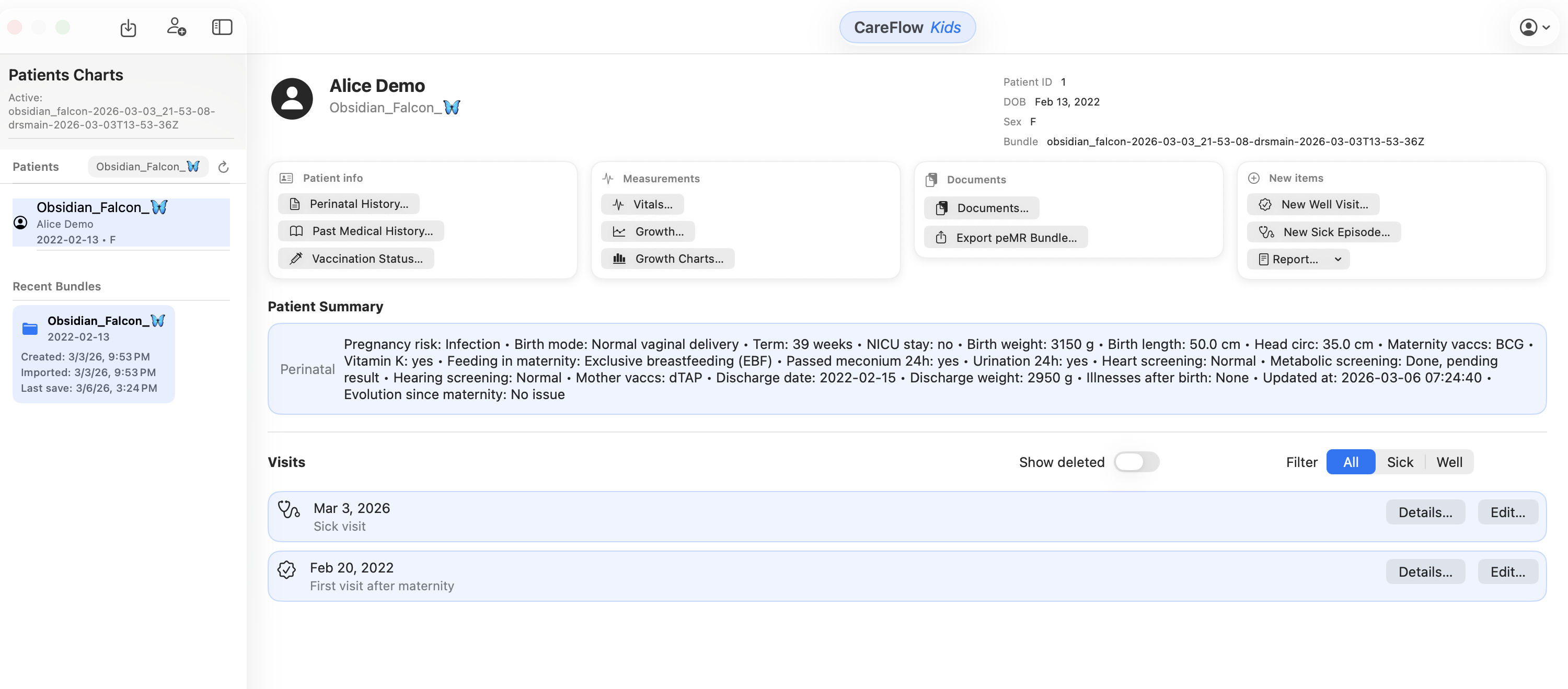
1) Start with the patient
- Create a new patient, open an existing patient bundle, or import an existing
.pemrfile. - Confirm demographics and identifiers are correct.
2) Create the right visit type
- Sick visit: acute illness episode
- Well visit: preventive care and development follow-up
3) Document the visit
Typical minimum:
- history
- vitals
- physical exam
- working diagnosis
- plan / guidance
4) Generate a report (PDF or DOCX)
Use reports when you need:
- a print-friendly summary
- a shareable record for parents
- a clean clinical note for your own archive
5) Export the patient record as a .pemr bundle
Exporting a .pemr creates a portable, cumulative patient record including:
- structured visit data
- attached documents
- the cumulative patient record needed for later import and update
6) Import updated .pemr bundles when needed
If the family adds notes or documents in CareView Family, they can export an updated .pemr. Import it back into CareFlow Kids to keep the record cumulative.