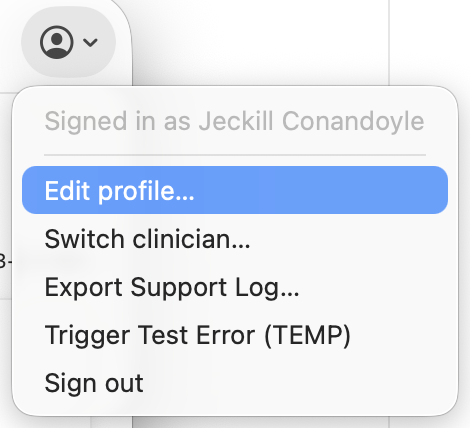
Physician profile
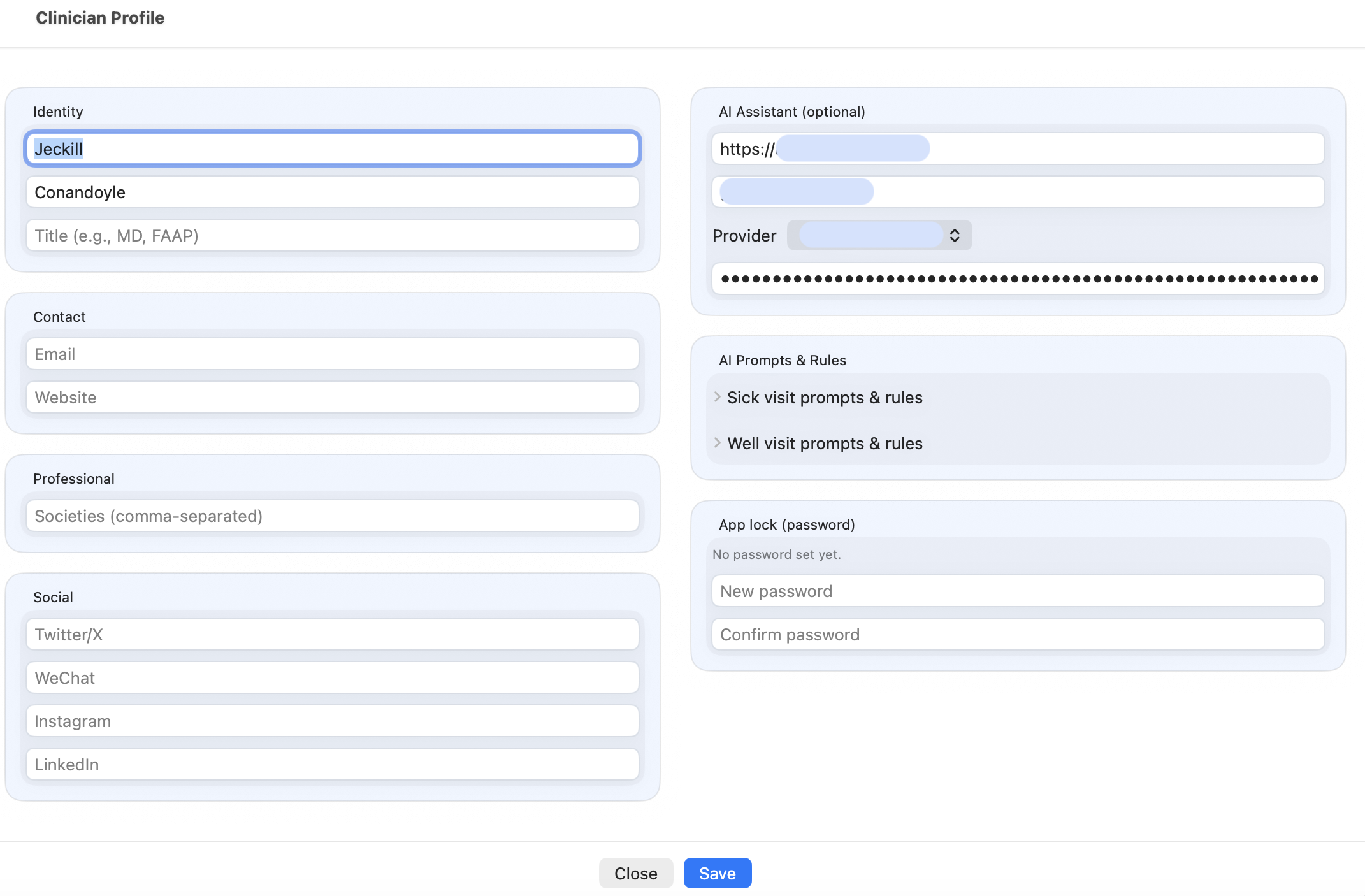
The Physician Profile section stores the doctor-specific settings used by CareFlow Kids.
This section is important because it controls not only the physician identity shown in the app, but also several advanced features such as:
- AI configuration
- prompt templates
- guideline builder access
What the Physician Profile contains
Typical information stored in the Physician Profile includes:
- physician name
- specialty
- license or professional identifier
- contact details
- clinic-related information (if used)
This information may appear in:
- generated reports
- exported documentation
- clinical summaries
Why this section matters
The Physician Profile is not just an identity card.
It also acts as the configuration center for several key systems in CareFlow Kids:
- the AI assistant
- the prompt template
- the guideline builder
- API connection settings for online AI providers
Physician identity in reports
When a report is generated, the physician name stored in the Physician Profile is included in the report.
This allows the report to clearly indicate which physician produced the consultation record.
At the moment, only the physician name is used for report identification.
Additional professional information (such as specialty or clinic details) may be supported in future versions.
AI assistant settings
The Physician Profile contains the configuration for the AI assistant.
Typical settings include:
- API endpoint
- model name
- API key
- prompt template for AI answers
These settings are only used when the physician explicitly requests AI assistance.
If AI is not configured, the rest of the application continues to function normally.
Prompt template
The Physician Profile includes the prompt text area used to guide the AI assistant.
This prompt defines:
- how the AI should interpret the structured clinical data
- the expected response format
- how cautious or evidence-focused the output should be
Because the physician controls the prompt, the AI assistant can be adapted to the practice style and clinical priorities of the user.
Guideline builder access
The Physician Profile also provides access to the Guideline Builder.
From there, the physician can:
- create local clinical rules
- define priorities
- use SNOMED concepts and structured keys
- generate local recommendation flags
These rules run locally and do not require AI.
Privacy and control
The Physician Profile centralizes configuration while keeping the physician in control.
In particular:
- AI is optional
- no AI request is sent automatically
- local guideline rules can function without internet access
- clinical responsibility always remains with the physician