View documents
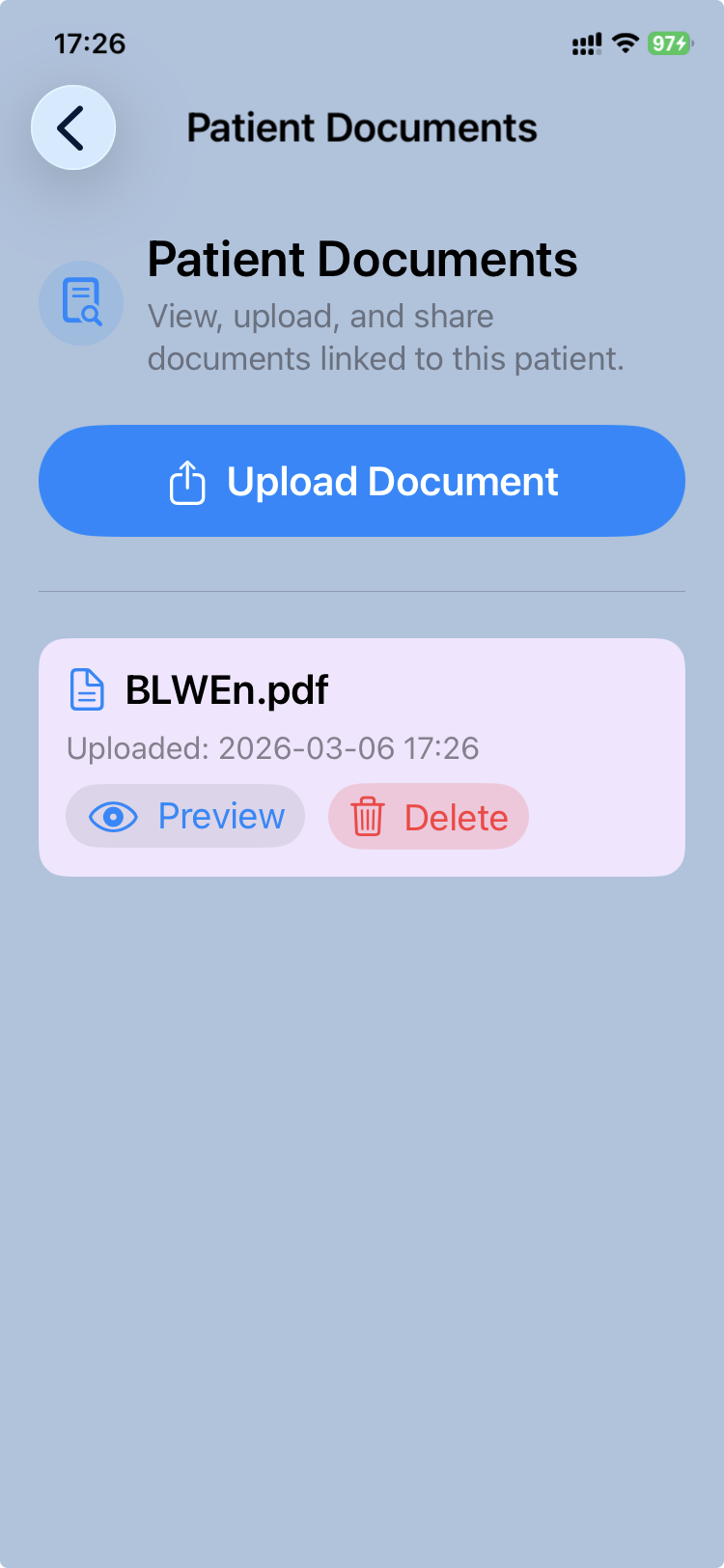
CareView Family allows parents to access medical documents attached to the child's record.
These documents are part of the .pemr bundle and may include files uploaded by the doctor or added by the family.
Typical documents include:
- vaccination records
- laboratory reports
- imaging reports
- hospital discharge summaries
- other medical documents relevant to the child's care
Accessing documents
After opening a .pemr bundle:
- Open the patient record in CareView Family.
- Tap View documents.
The application displays the list of documents stored in the patient's record.
Opening a document
To read a document:
- Tap the document in the list.
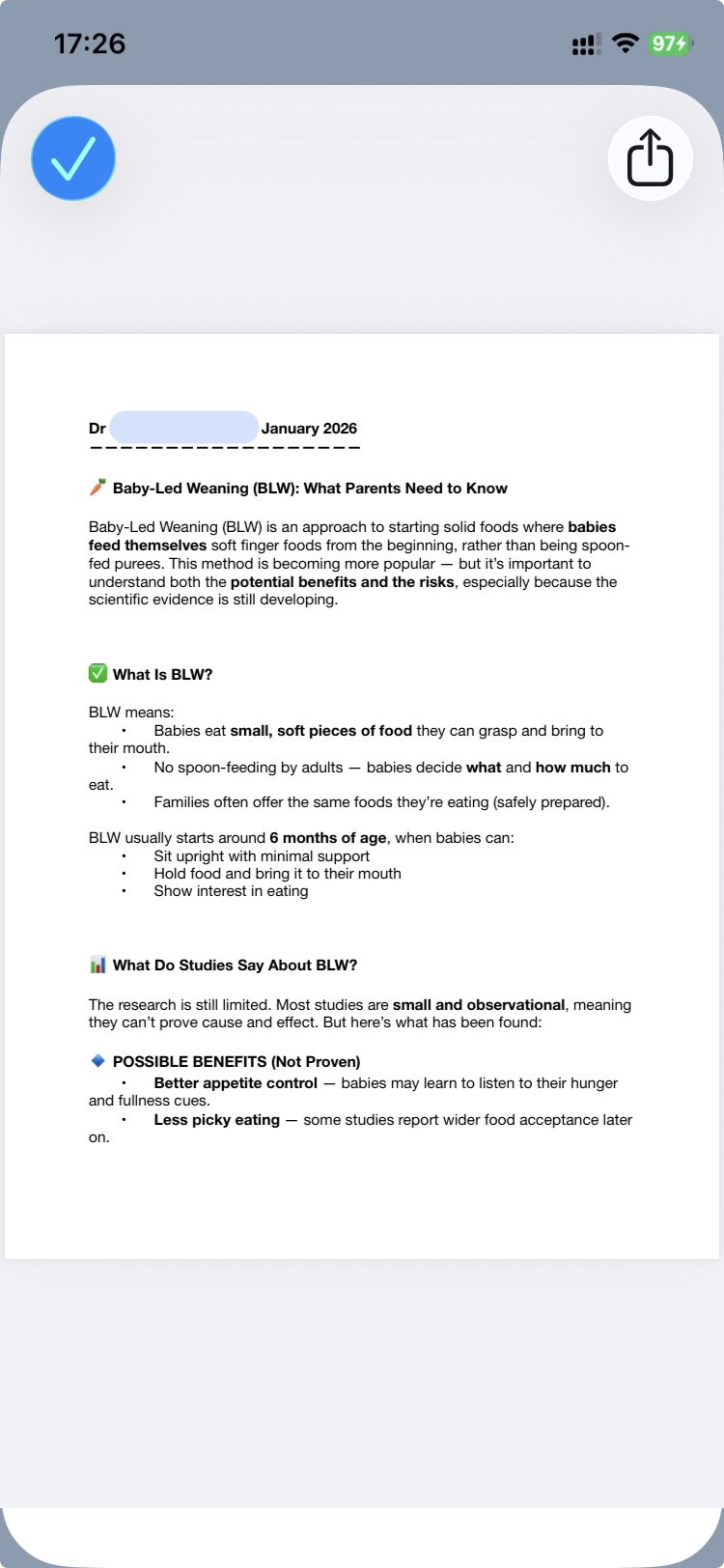
- The file opens using the appropriate viewer on the device.
Depending on the file type, the document may open as:
- image
- text document
This allows parents to easily review medical information provided during consultations.
Documents added by the doctor
Doctors may attach documents to the patient record using CareFlow Kids.
These documents are then included in the exported .pemr bundle and become visible in CareView Family.
Documents added by parents
CareView Family also allow parents to add documents to the bundle.
For example, families may add:
- vaccination certificates
- laboratory results obtained elsewhere
- specialist reports
When the updated .pemr bundle is later shared with the doctor, these documents become available in CareFlow Kids.
Document privacy
Documents stored in the .pemr bundle may contain sensitive medical information.
Parents should ensure the bundle is stored in a safe location and shared only with trusted healthcare professionals.