Quick start (parents)
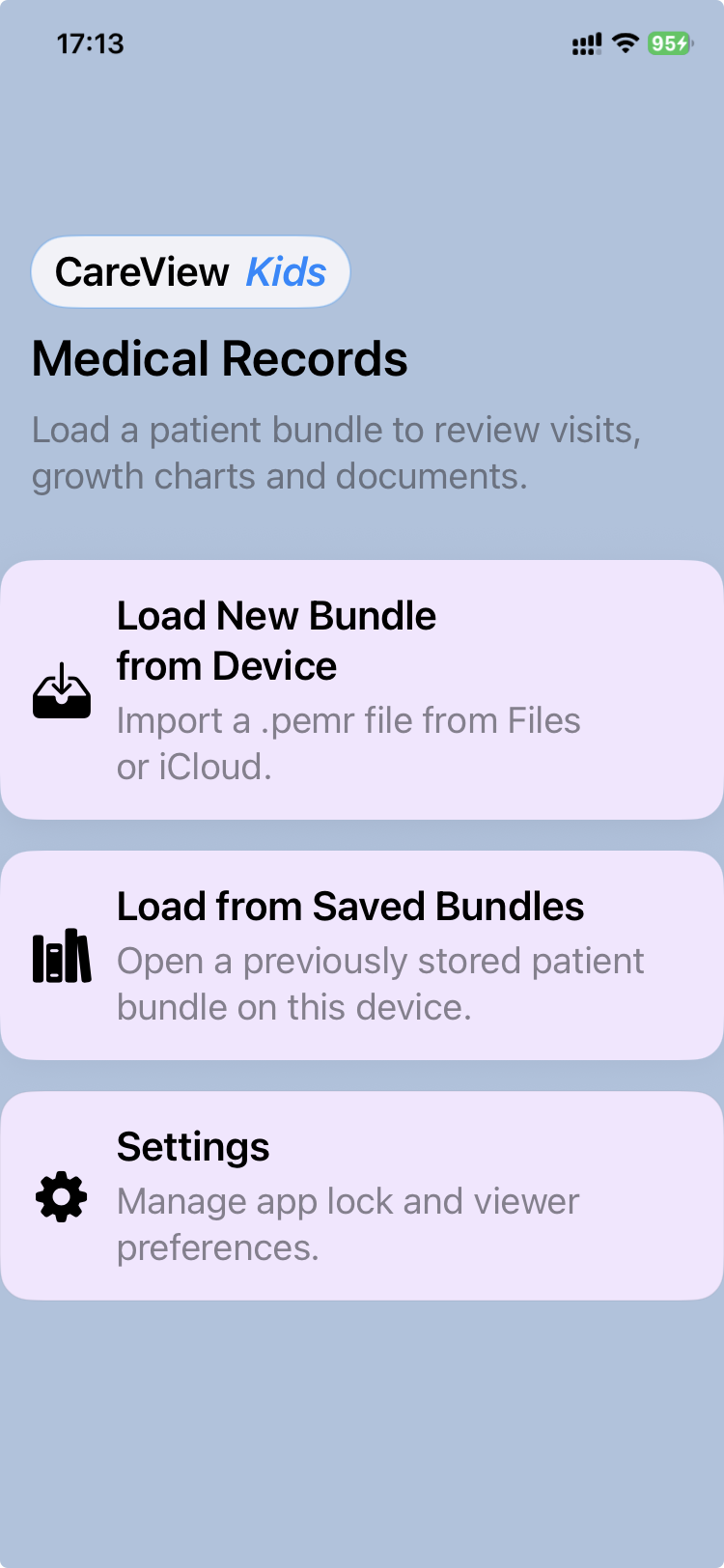
This is the fastest path to using CareView Family with a .pemr file.
The core workflow
flowchart LR
  P[Receive .pemr] --> O[Open in CareView Family]
  O --> V[View visits and reports]
  O --> G[View growth charts]
  O --> D[View & add documents]
  O --> N[Add a note]
  O --> X[Export updated .pemr]
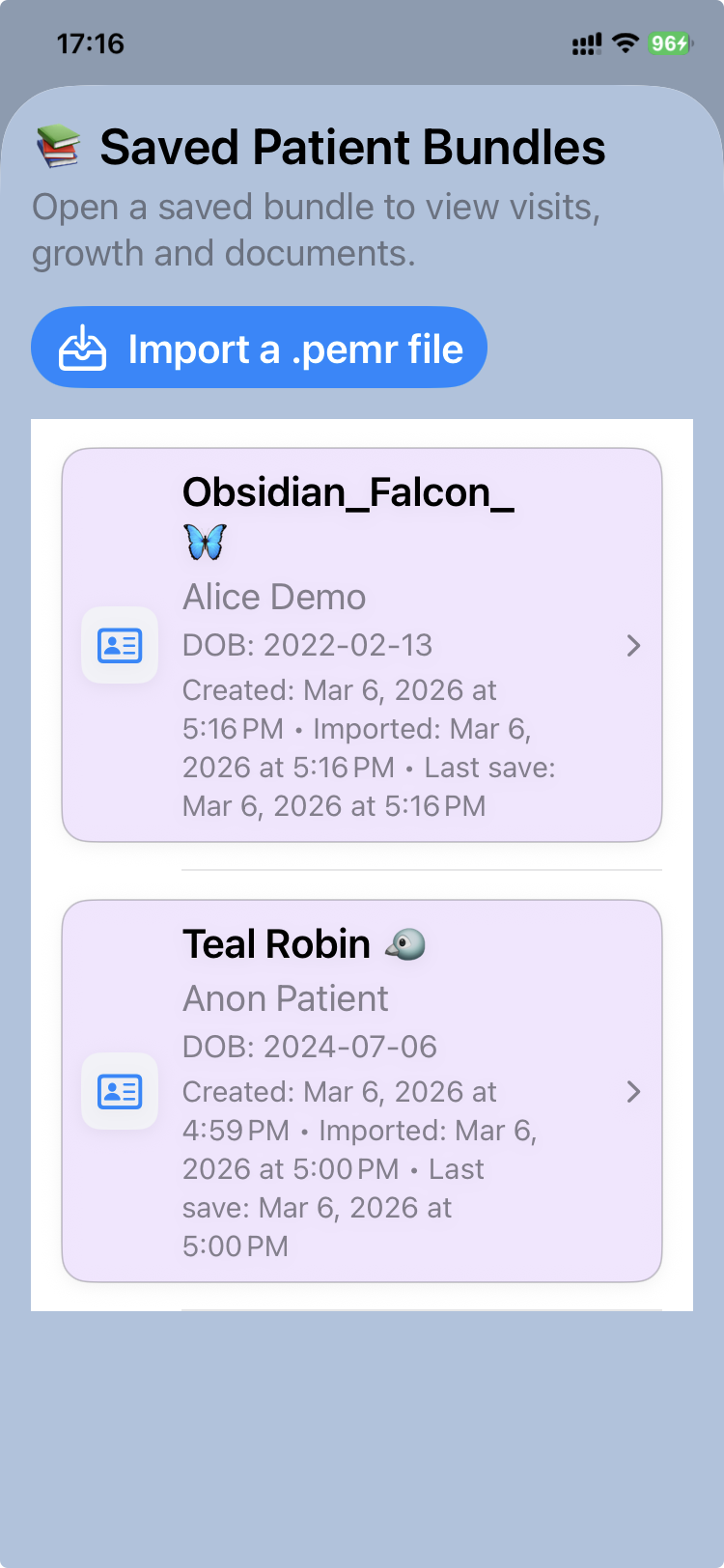
1) Open the .pemr file
- Import the latest bundle received in CareView Family
- Tap Open bundle (or equivalent) and select the
.pemrfile. - CareView Family loads the record locally (offline friendly).
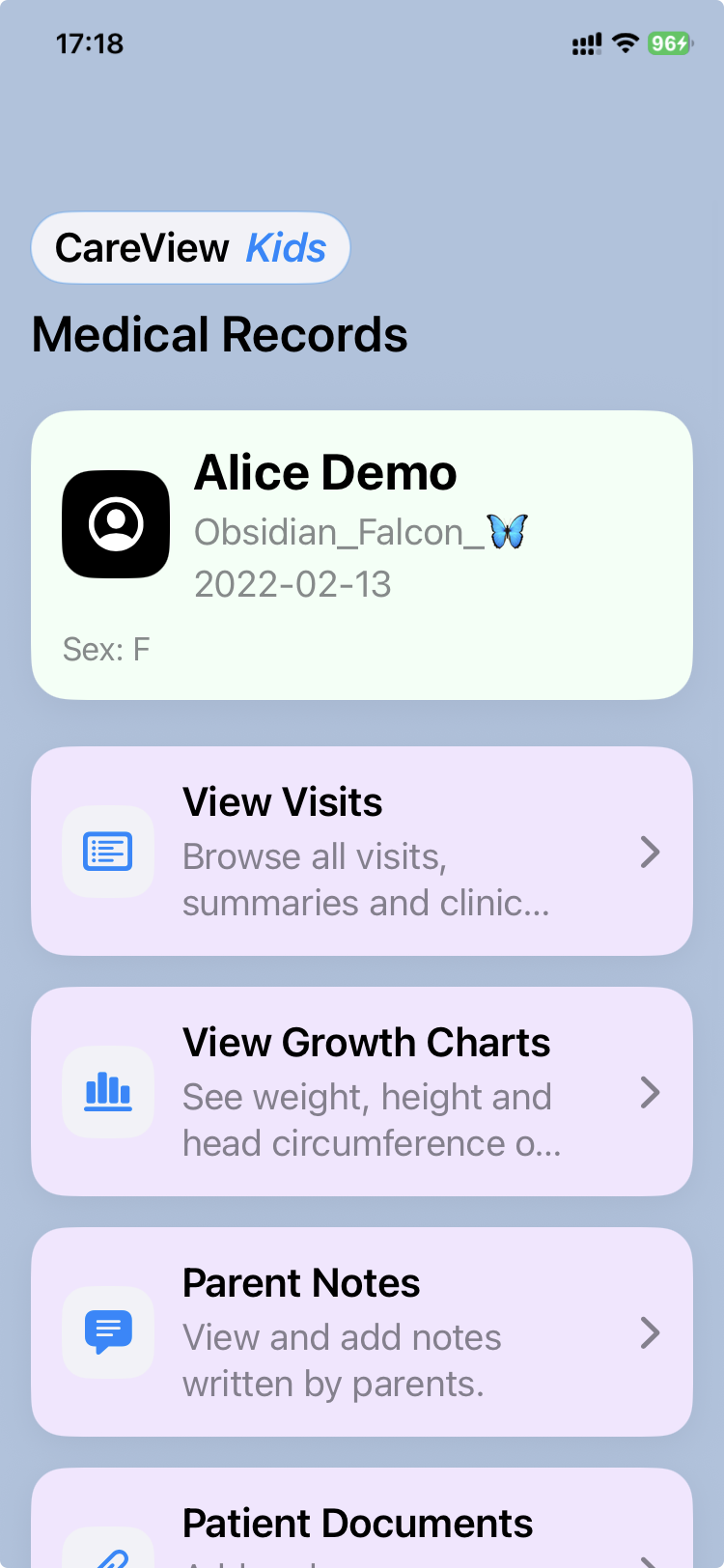
2) View the medical record
- Visits / Reports: readable and shareable summaries (PDF)
- Growth charts: weight / height / head circumference trends
- Documents: vaccines, labs, imaging, parent-provided files
3) Add a note (optional)
Use notes for:
- symptoms at home
- questions for the doctor
- medication responses
- “what happened since last visit”
4) Export an updated .pemr (when asked)
If your doctor asks for an updated record:
- Export a new
.pemr - Send it back to the clinic
- The doctor can import it into CareFlow Kids
Don’t worry, you can’t “break” the record
- You can always keep the original
.pemras a backup copy. - Exporting creates a new
.pemrfile, so you can keep versions if needed.