Export or share a visit report
CareView Family allows parents or patients to generate and share visit reports from the medical record contained in a .pemr bundle.
Reports provide a human‑readable summary of a medical visit and can be shared with schools, caregivers, or other healthcare professionals when needed.
Where reports come from
Reports are generated on demand from the structured medical data stored in the .pemr bundle.
This means that:
- reports are not stored as permanent PDF files inside the bundle
- the application generates the report whenever it is requested
This keeps .pemr bundles lightweight even when many visits are recorded.
How to export a report
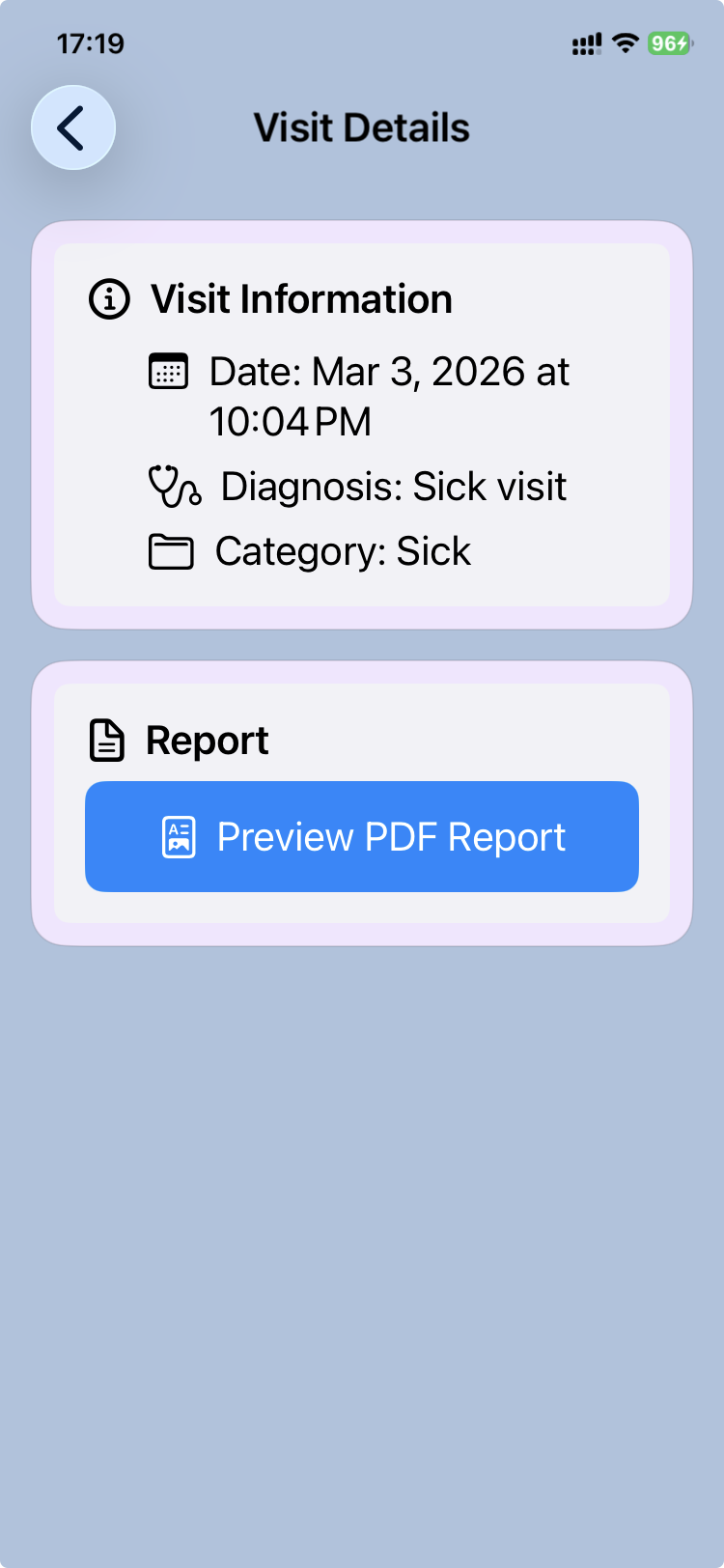
- Open the
.pemrbundle in CareView Family. - Go to the Visits section.
- Select the visit you want to review.
- Open the visit details.
- Tap Export report.
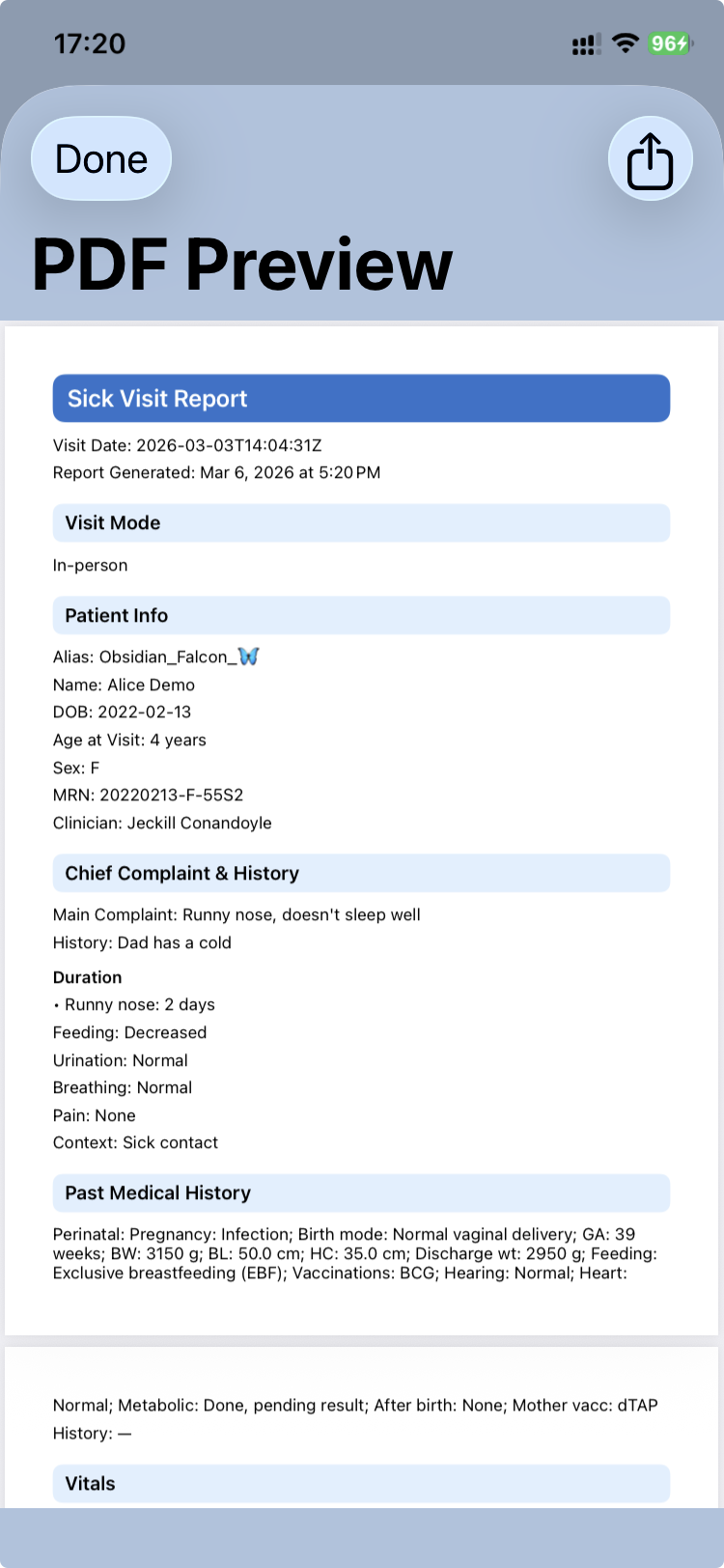
The application generates a PDF report that can be:
- saved to the device
- shared with other applications
- printed if needed
Typical uses
Parents may export a visit report to:
- share medical information with another doctor
- provide documentation for school or childcare
- keep a personal copy of a consultation summary
Because reports are generated directly from the medical record, they reflect the exact information recorded during the visit.
Relationship with the .pemr bundle
Exporting a report does not modify the .pemr bundle.
The bundle remains the complete portable medical record.
Reports are simply temporary documents generated from the stored data.
Privacy reminder
Medical reports contain personal health information.
Before sharing a report, make sure it is sent only to trusted recipients.