Add a note
Notes let families record information between visits (symptoms, questions, observations) and keep it with the patient’s .pemr record.
When to add a note
Good examples:
- “Fever started at 18:00, peaked at 39.2°C, responded to paracetamol.”
- “Cough worse at night; appetite decreased.”
- “Question for doctor: can we restart daycare tomorrow?”
- “Rash appeared after new detergent.”
How to add a note
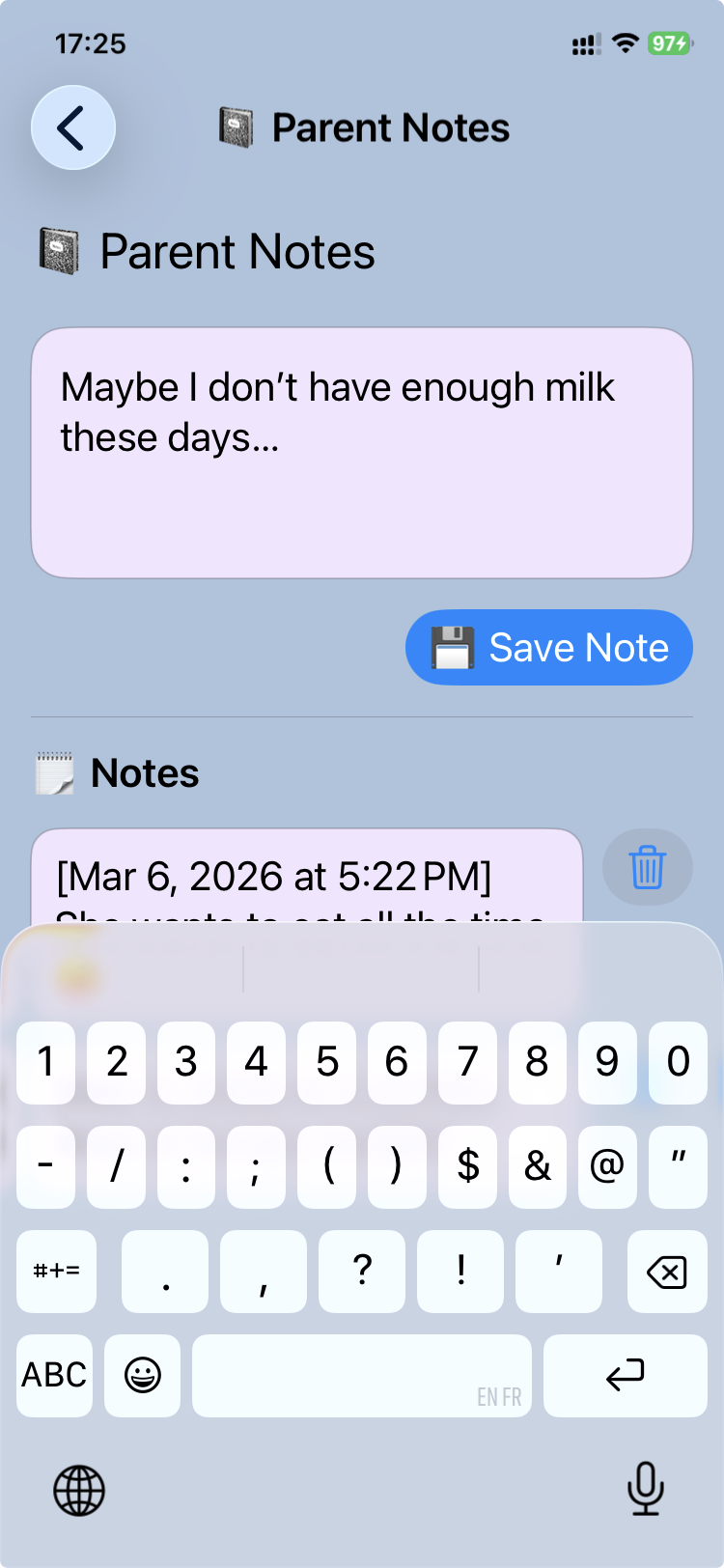
- Open the patient .pemr in CareView Family
- Go to Notes
- Tap Add note
- Write the note (short is fine)
- Save
Where the note is stored
- Notes are saved inside the .pemr bundle (as part of the patient record).
- That means the note can be shared back to the clinic by exporting an updated
.pemr.
Share notes back to the doctor (optional)
If your clinic asks for updates:
- Export an updated
.pemrfrom CareView Family - Send it to the clinic
- The doctor can import it into CareFlow Kids
Tips (make notes more useful)
- Add a date/time if relevant (the note itself is timestamped)
- Include measurements (temperature, weight, SpO₂ if measured)
- Mention what helped (medication dose, hydration, rest)