Assets & screenshots
This document explains how images and screenshots used in the documentation are organized and referenced.
All documentation assets are stored under:
documentation/_assets/
Keeping assets in a dedicated folder helps keep the documentation repository organized and ensures links remain stable.
Screenshot folders
Screenshots are grouped by application so they remain easy to find and maintain.
documentation/_assets/screenshots/
├── careflow/   → CareFlow Kids (doctor app)
├── careview/   → CareView Family (patient app)
├── security/   → Privacy & security diagrams or screenshots
└── troubleshooting/ → Troubleshooting examples
Use the correct folder depending on which application or section the screenshot belongs to.
Naming convention
Screenshots should use stable, descriptive filenames so links remain readable and predictable.
Recommended format:
<feature>-<screen>-<state>.png
Examples:
add-note-notes-screen.png
export-pemr-confirmation.png
import-pemr-file-picker.png
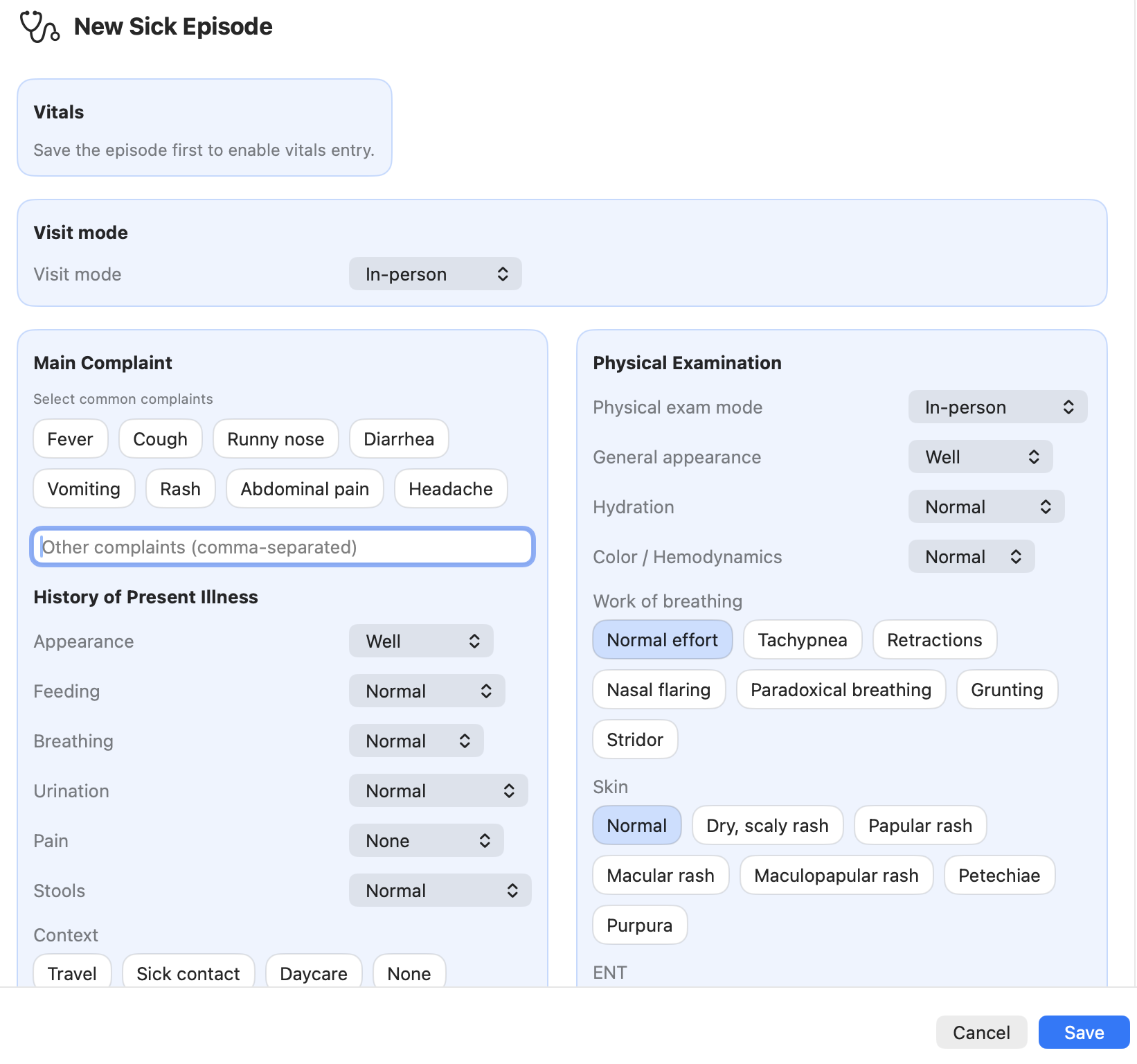
careflow-sick-visit-form.png
careview-growth-chart.png
Guidelines:
- use lowercase letters
- use hyphens (-) instead of spaces
- avoid including version numbers
- prefer feature-based names rather than UI wording that may change
Screenshot placeholders
Many documentation pages include a placeholder until screenshots are captured.
Example placeholder:
## Screenshots
> Screenshot (TODO)
>
> 
This allows the documentation to be written before the final screenshots exist.
Referencing screenshots in Markdown
Paths are usually relative to the documentation page location.
Example from a page located in:
documentation/03-patient-viewer/
Markdown reference:

Example from a page in:
documentation/02-doctor-app/

For pages inside a deeper subfolder, the relative path must go back one more level. For example:
documentation/02-doctor-app/sick-visits/
Screenshot quality guidelines
When capturing screenshots:
- crop the image to focus on the relevant UI
- avoid including personal data
- keep the interface language consistent when possible
- prefer PNG format for UI screenshots
Avoid screenshots that include:
- patient names
- medical identifiers
- real medical data
Use demo data whenever possible.
Updating screenshots
Screenshots may need updating when:
- the UI changes
- new features are added
- workflows are modified
When updating screenshots:
- keep the same filename when possible
- replace the image file instead of renaming it
This prevents broken links across the documentation.
Developer note
Screenshots are documentation assets, not application resources.
They should only exist inside the documentation folder and should not be bundled with the application binaries.