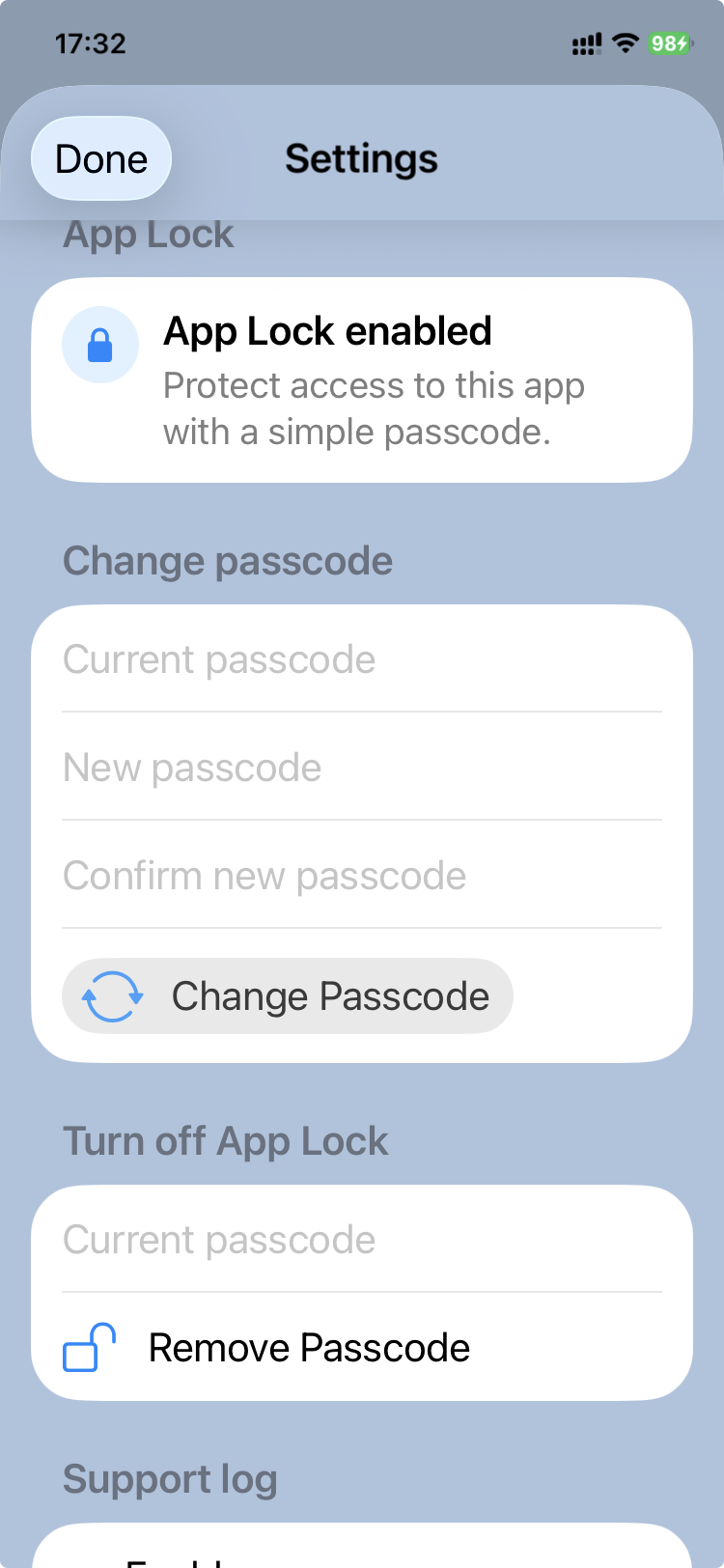
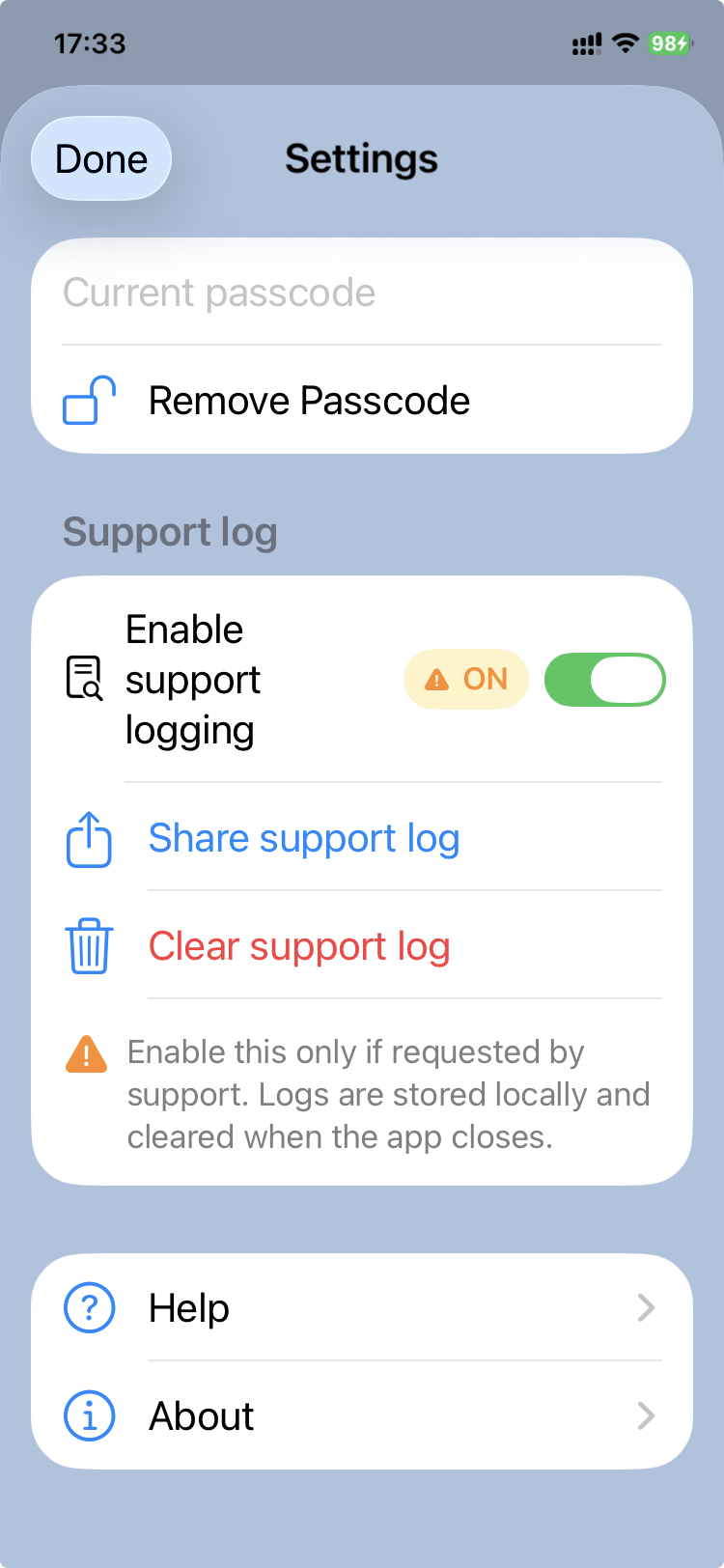
App settings
The Settings section of CareView Family allows families to configure privacy, support, and help options for the app.
These settings do not change the medical content of the .pemr bundle itself, but they help protect access to the app and make troubleshooting easier when needed.
Accessing settings
Settings can be opened from the main CareView Family screen.
Typical uses include:
- enabling app protection
- managing support logs
- opening the help section
App protection
CareView Family can protect access to the app using a passcode and, when supported by the device, Face ID / biometric unlock.
This helps prevent unauthorized access to the child's medical record.
Setting a passcode
To enable app lock:
- Open Settings.
- Go to App lock.
- Enter a new passcode.
- Confirm the passcode.
Once enabled, the app will require the passcode (or biometric unlock when available) before access is granted.
Why app lock matters
The .pemr bundle contains sensitive personal health information.
Using a passcode or Face ID helps protect:
- visit reports
- growth charts
- attached medical documents
- parent notes
Support logging
CareView Family can record a support log to help diagnose technical problems.
The support log is intended for troubleshooting and may help identify:
- import problems
- display issues
- unexpected app behavior
Available actions
From the Settings screen, families can:
- Enable or disable support logging
- Share the support log
- Clear the support log
When to use support logging
Support logging should usually be enabled only when:
- the app is not working correctly
- the clinic or developer asks for diagnostic information
After the issue is resolved, logging can be turned off again.
Help access
The Settings screen also provides quick access to the Help section.
This makes it easy to find guidance about:
- opening a
.pemrbundle - viewing visits, growth charts, or documents
- exporting reports
- using notes or other app features
Privacy reminder
Because the app may contain sensitive medical information, families should:
- keep the device protected
- enable app lock when possible
- share support logs only with trusted support contacts